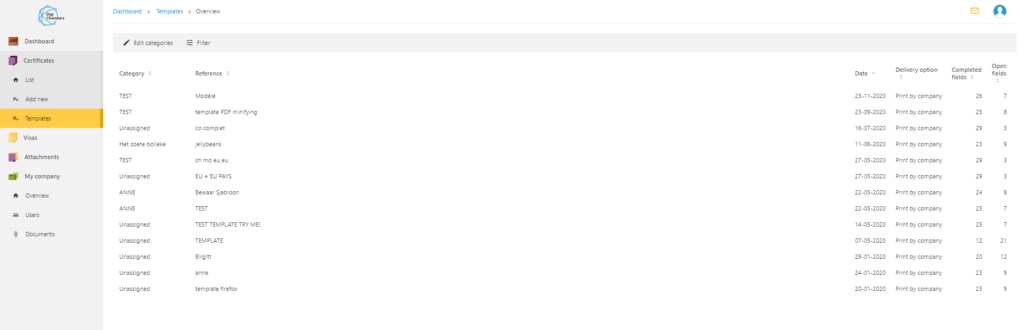
All the templates created can be viewed in the Templates tab.
Dashboard > Templates > Overview
A contextual menu appears by clicking on the 3 small dots.
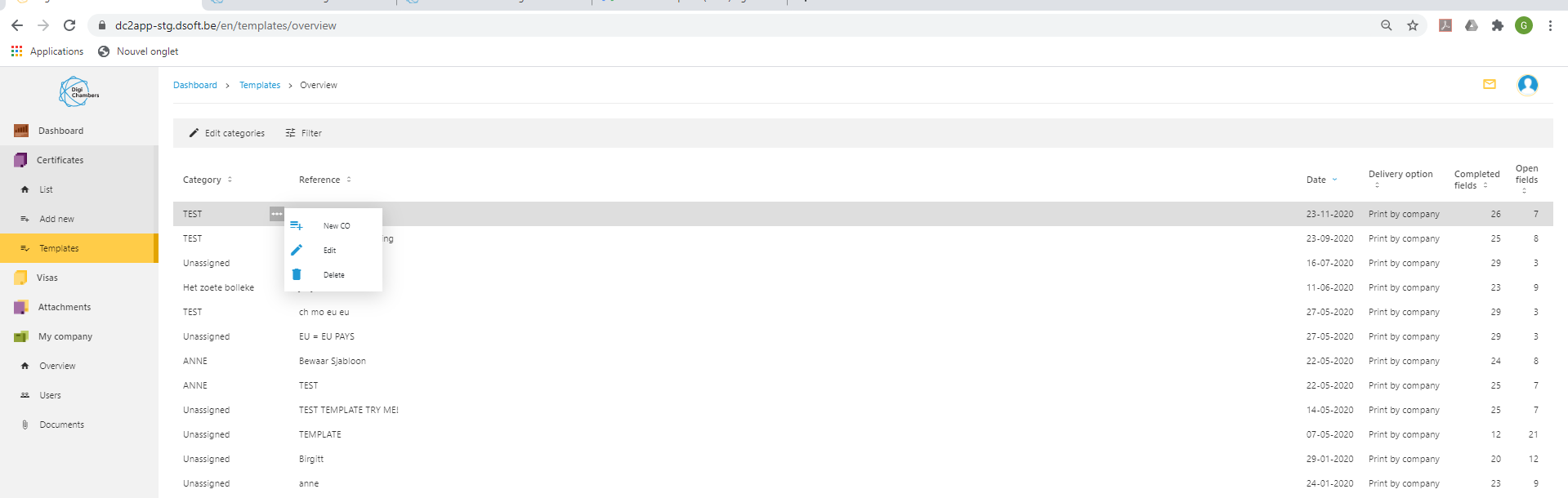
- New CO allows you to start a new CO based on this template
- Edit allows you to modify the data of the template
- Delete allows you to delete this template.